
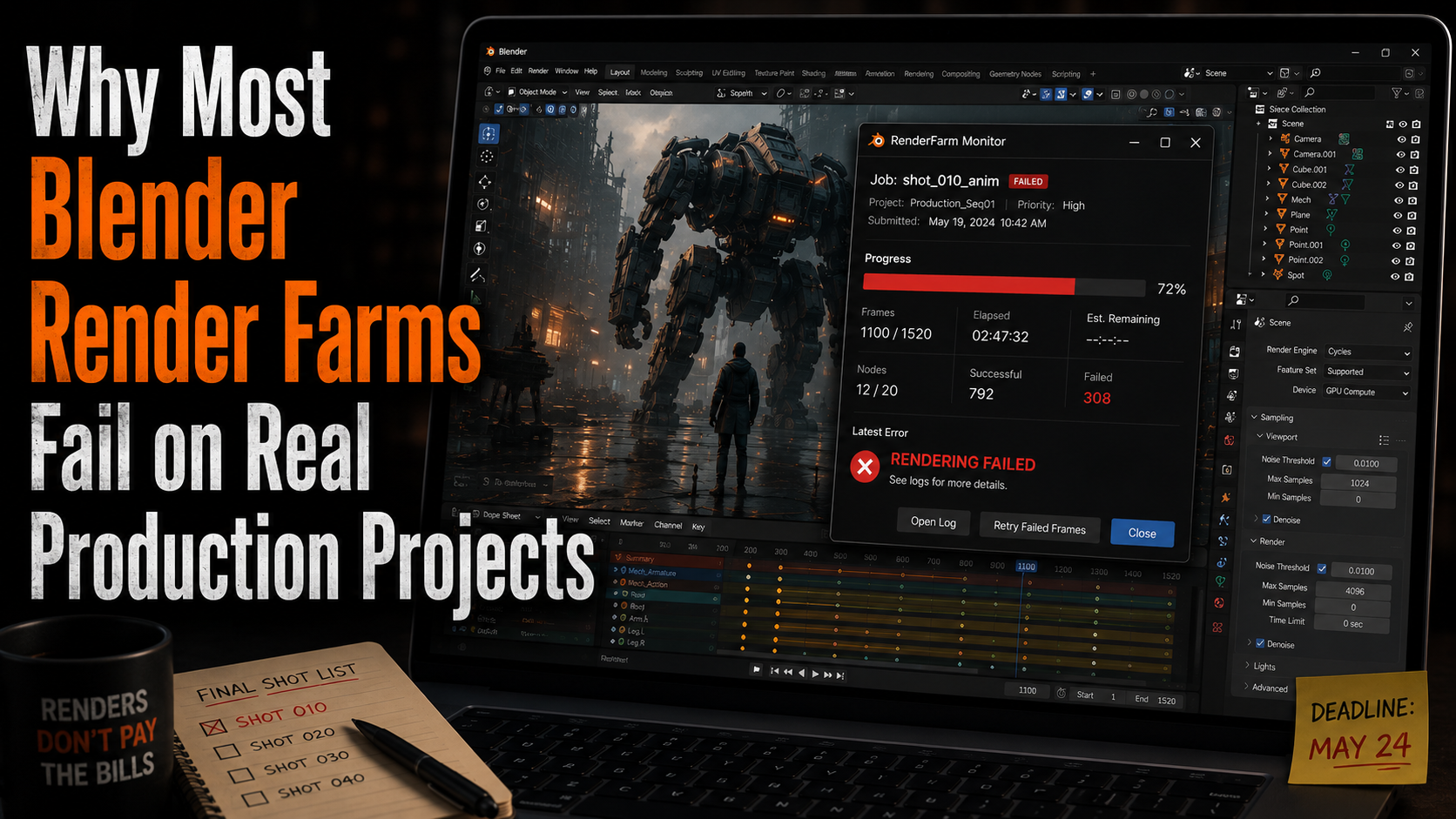
When artists search for a Blender render farm, most platforms promise the same thing:
More GPUs. Faster rendering. Lower waiting times.
And technically, many of them deliver exactly that.
The problem is that real Blender production projects are not benchmark scenes.
A simple demo animation rendered with default settings is very different from a real client project filled with addons, simulations, linked assets, Geometry Nodes setups, external textures, and production-specific workflows. That is where many cloud rendering services begin to struggle.
A project that works perfectly on your local machine can suddenly break the moment it enters the cloud.
If you have worked with Blender long enough, you have probably seen at least one of these problems before:
- Missing textures after upload
- Addons failing during rendering
- White or corrupted frames
- Unsupported Blender versions
- Different render results between nodes
- Crashed simulations
- Incorrect particle behavior
- Broken file paths
- Frames rendering differently than locally
And the frustrating part is that many of these issues do not appear immediately. Sometimes artists only notice them after hours of rendering have already finished.
Why Blender Projects Often Fail in the Cloud
Blender has become an incredibly powerful production tool, but modern Blender scenes are much more complicated than they used to be.
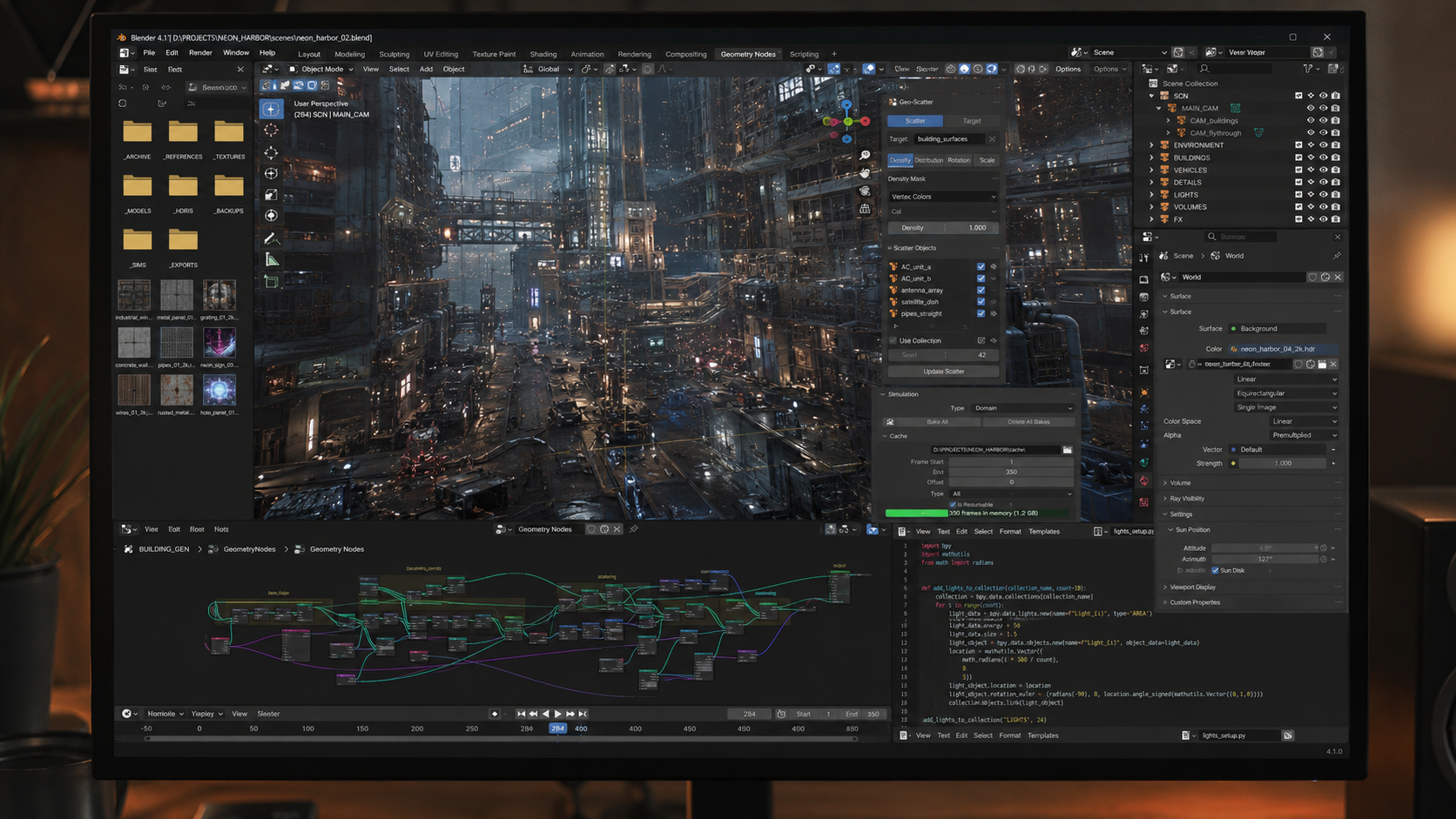
A typical professional project today may depend on:
- Geometry Nodes
- Simulation caches
- Custom addons
- HDRIs and linked textures
- Python scripts
- Procedural assets
- Large particle systems
- Version-specific Blender features
On your own PC, all of this usually works because your machine already has the exact environment the project expects.
But a Blender render farm has to recreate that environment correctly across multiple machines at the same time.
That is much harder than most people realize.
One missing dependency or a slightly different addon version can completely change how a scene behaves.
The Biggest Problem: “It Works Locally”
One of the most common phrases in production rendering is:
It works on my machine.
And honestly, this is where many render farms fail.
Locally, your Blender scene may look perfect. The lighting behaves correctly, the simulations run properly, and the addons load without issues.
Then you upload the same project to the cloud and suddenly:
The environment looks different.
Particles disappear.
Textures are missing.
Frames render black.
The addon crashes.
Or the render simply never starts.
This usually happens because the render nodes are not reproducing your local setup accurately enough.
A Blender render farm is not just about GPU power. It is about environment consistency.
Blender Addons Create Huge Compatibility Challenges
Modern Blender workflows rely heavily on addons.
Artists use tools like Botaniq, Gaffer, Camera Shakify, procedural scattering systems, asset libraries, animation helpers, and production utilities constantly. Many projects simply cannot function correctly without them.
Unfortunately, addon support is still one of the weakest areas for many render farms.
Some services support only very basic Blender scenes. Others technically allow addons but fail when scenes become more complex.
And sometimes the worst situation happens:
The render farm accepts the job, but the output comes back partially broken.
That creates a dangerous situation because artists may not notice rendering issues until the animation is already completed.
For real production work, proper addon support is not optional anymore.
It is essential.
Blender Version Support Matters More Than People Think
Blender evolves extremely fast.
A project created in Blender 4.3 may behave differently in Blender 4.5. Geometry Nodes setups can change, shader behavior can shift, and simulation systems continue evolving constantly.
This becomes a major problem in production environments because artists usually avoid updating Blender during active projects. Stability matters more than new features once deadlines are involved.
But many render farms support only limited Blender versions.
That creates unnecessary friction and compatibility risks.
A professional Blender render farm should adapt to production workflows, not force artists to rebuild their projects around infrastructure limitations.
Speed Alone Does Not Make a Good Render Farm
Many render farms focus their marketing entirely on performance numbers.
RTX 4090 GPUs.
Massive node counts.
Fast benchmark renders.
But production artists quickly discover something important:
A fast broken render is still useless.
In real-world projects, artists care far more about:
- Stability
- Predictable results
- Correct frame output
- Addon compatibility
- Scene consistency
- Reliable support
- Easy uploads
- Recovery from failed nodes
Because eventually, every serious rendering pipeline encounters problems.
And when deadlines are close, reliability matters far more than marketing numbers.
How Praxilla Succeeds Where Many Blender Render Farms Fail
At Praxilla, we built our Blender render farm around real production workflows instead of benchmark scenes.
That means focusing heavily on compatibility, consistency, and practical usability for artists working on actual projects.
Instead of treating Blender rendering like a simple file upload system, Praxilla focuses on reproducing local Blender environments as accurately as possible. Our infrastructure is designed specifically around Blender production challenges, including addon compatibility, distributed rendering consistency, and version-sensitive workflows.
We also understand that support matters.
When artists run into rendering issues, they need real help from people who understand Blender workflows, not generic cloud infrastructure responses.
That is why Praxilla focuses heavily on:
- Blender-focused rendering workflows
- Broad addon compatibility
- Stable distributed rendering
- Easy project uploads directly from Blender
- Reliable frame consistency across nodes
- Fast support for production problems
- Secure rendering infrastructure
- Continuous compatibility improvements
Many artists tell us that cloud rendering usually feels complicated until they try a workflow designed specifically around Blender production realities.
And honestly, that difference matters much more than benchmark numbers.
Learn More About Praxilla
If you want to learn more about how Praxilla supports Blender production workflows, you can explore our Blender rendering platform here:
Want to estimate how much faster your animation could render in the cloud?
Try our rendering cost calculator here:
Blender Rendering Cost Calculator
You can also explore our current rendering packages and pricing options here:
